
GEOS FOR TO2026
A graphical desktop, written in BASIC 2026.
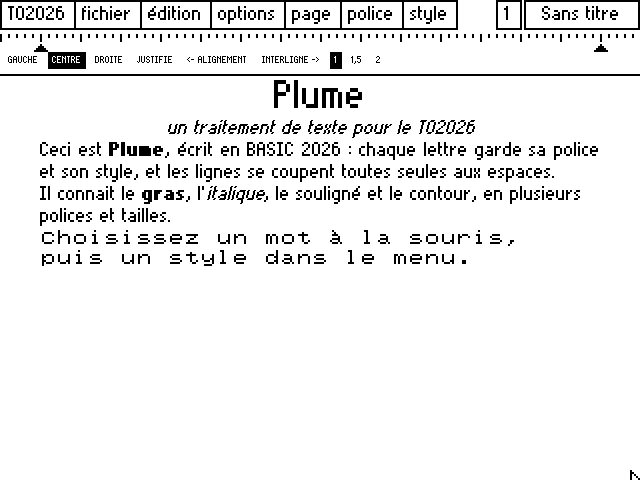
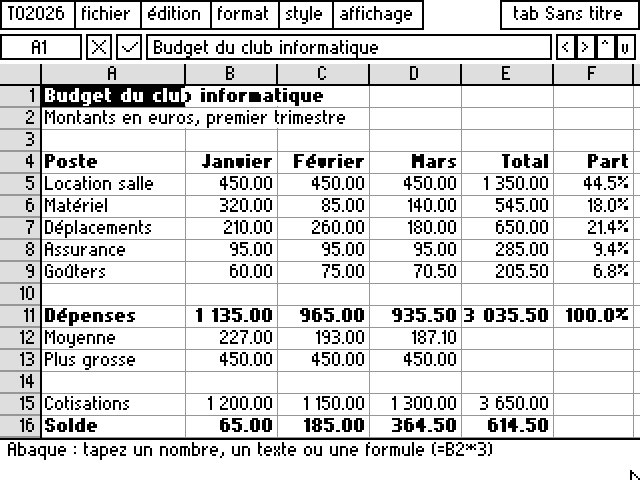
The TO2026 deskTop is a tribute to GEOS, the Commodore 64 graphical desktop: a window onto the disk, icons, pull-down menus, the mouse. It is written entirely in BASIC 2026, like its two applications, Plume and Abaque.
01 / THE DESKTOP
The disk, seen as a desktop.
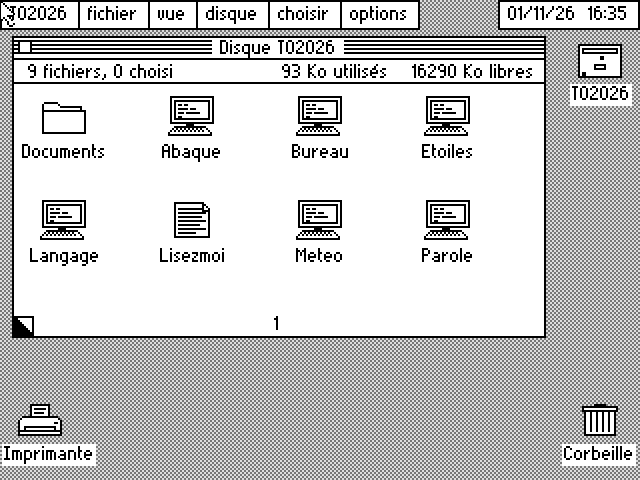
- The disk window
It shows the current folder, the number of files, the space used and free. Drag it by its title bar to move it.
- Icons by type
Each file gets an icon from its type: program, text, spreadsheet, data, folder. The “by name” view lists them instead.
- Double-click
On a program, it runs it and comes back to the desktop. On a text, it opens Plume; on a spreadsheet, Abaque; on a folder, it goes in.
- The menu bar
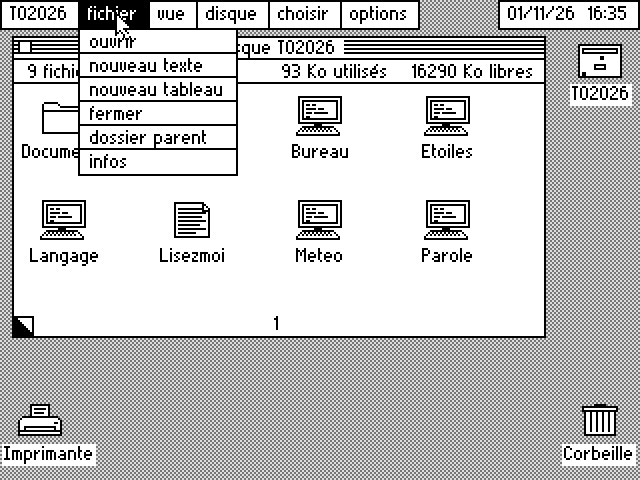
Six pull-down menus, as in GEOS, and a clock at the top right. You can change the background pattern and play a welcome sound.
The menus
The program’s real menus, as they appear on the machine (the machine speaks French).
02 / THE APPLICATIONS
Two applications, for now.
03 / UNDER THE HOOD
BASIC, nothing but BASIC.
The desktop, Plume and Abaque are ordinary BASIC 2026 programs, shipped on the system disk as .EXE, with their sources in SOURCES/. The Atelier builds new GEOS applications with the mouse, in the manner of Visual Basic. The options menu sets the display, shared by all three: 320 × 240 or 640 × 480, monochrome or one of six palettes. You can read them and change them: they show how far the language goes.
To start an application, the desktop uses CALL PROGRAM "/PLUME" WITH nom$: Plume gets the file name through COMMAND$, runs, then hands back to the desktop, which redraws itself. Menus call their procedures by reference (@APropos), and the background pattern is a mode 20 tile plane: windows pass over it without erasing it.