
THE BBS
TO2026 BBS.
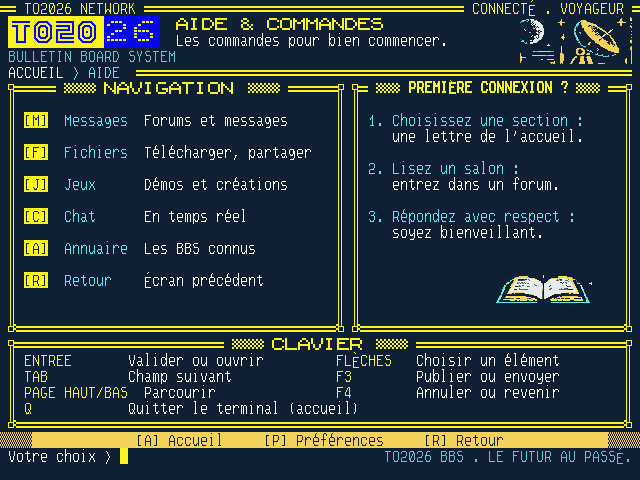
A community board like those of the 1980s, entered through the machine: forums, private messages, chat, files and games, by keyboard, on a true 80 by 30 ANSI terminal. There are no images: the server sends text, and even the logo is made of characters it downloads into the machine. The BBS itself is in French.
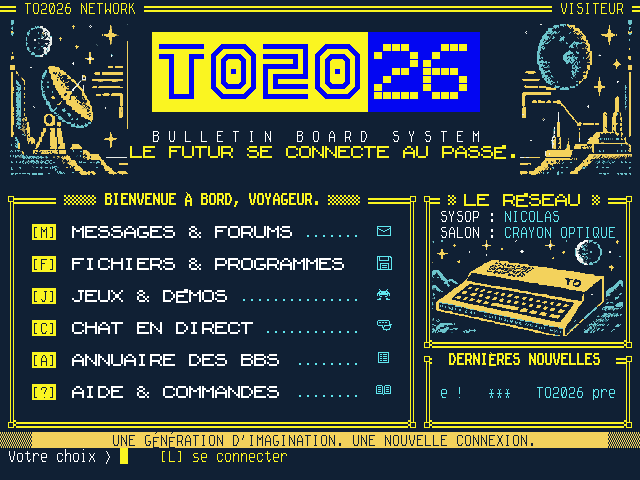
How to get in
- Open the machine: /en/machine, then insert the BASIC 2026 cartridge and power on.
- Start the terminal: click the floppy icon in the menu, then double-click the Bbs icon on the desktop. You can also choose BASIC 2026 and type
RUN "BBS". - Read without an account: forums, approved files, the chat and the directory are open to everyone.
- Take part: on the home screen, press
Lto sign in with ProAdmin, then choose a nickname. It is what others see, never your name.
The keys
| Key | Effect |
|---|---|
| M F J C A ? | On the home screen: messages, files, games, chat, directory, help |
| 1 to 7 | Opens the line with that number |
| ↑ ↓ Enter | Selects a line, then opens it |
| R | Goes back |
| Tab | Moves to the next input field |
| F3 | Publishes or sends a message |
| F4 | Leaves an input field or the chat |
The sections
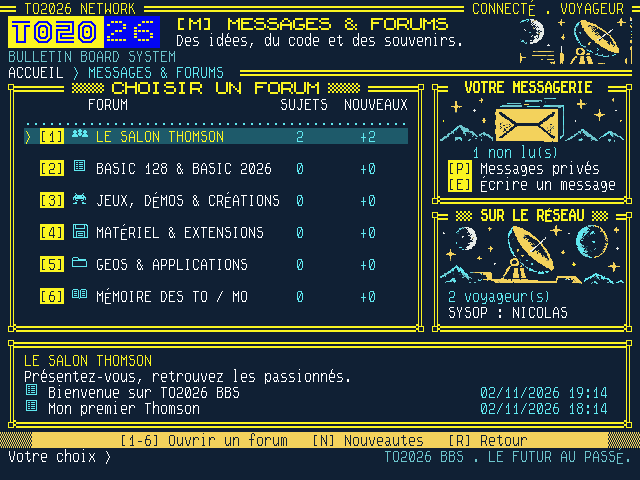
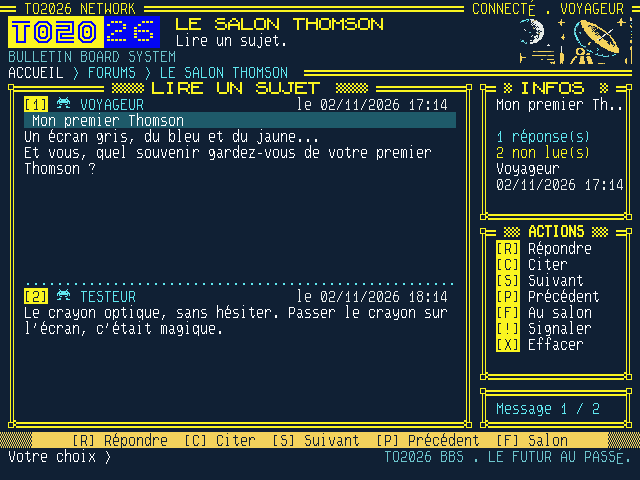
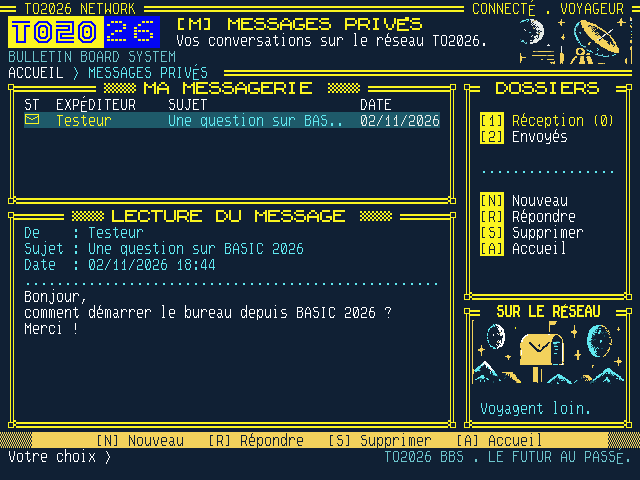
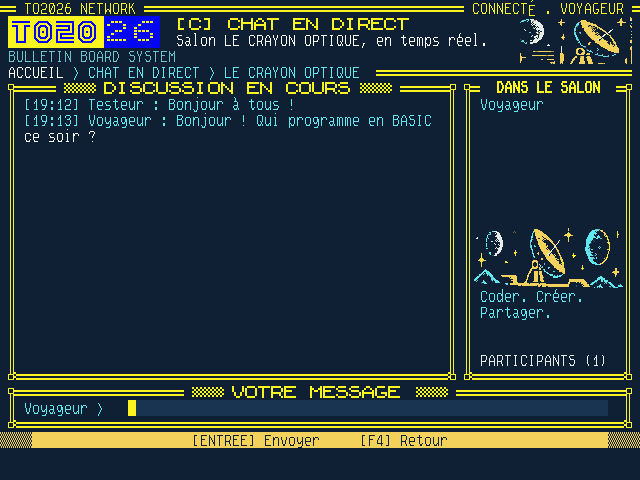
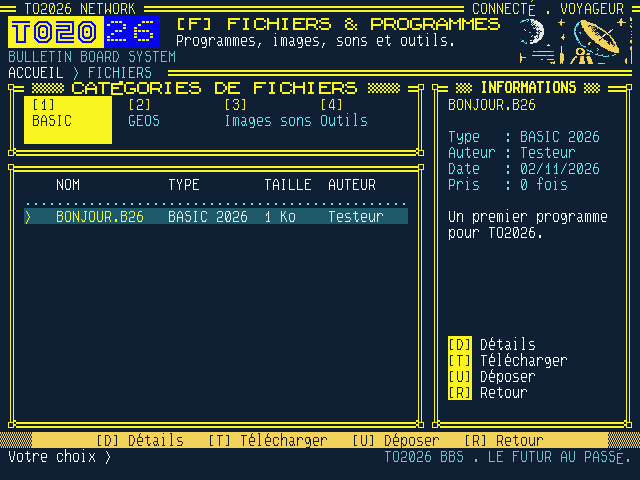
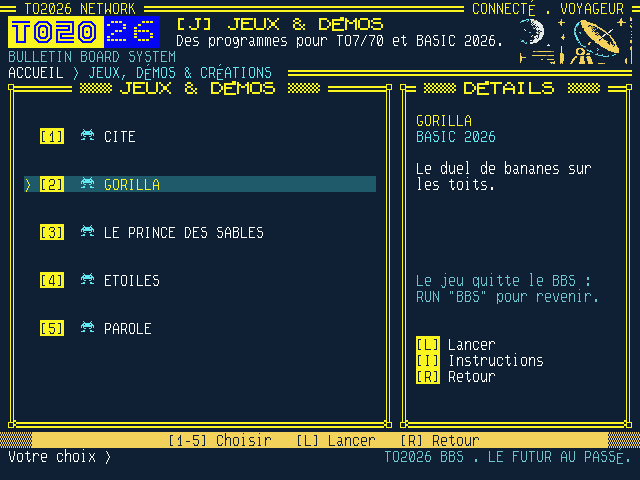
RUN "BBS" brings you back.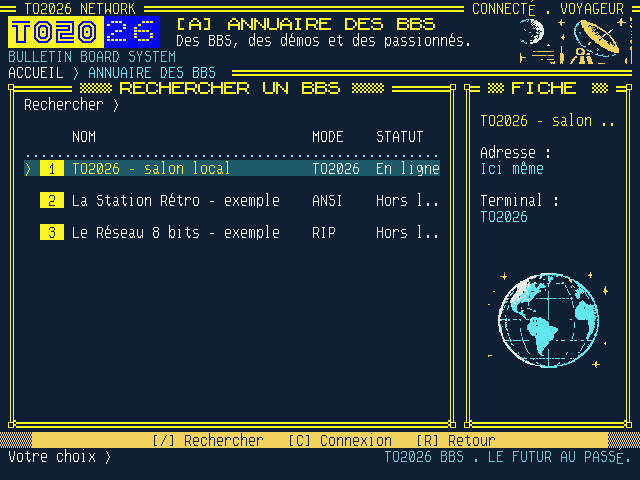
Your data
Your public messages can be read by everyone. In the preferences, My account deletes your account once you type EFFACER. Details are on the Privacy page. These screenshots come from a test account.